← Essays · November 12, 2026 · 14 min read
Digital Family Scrapbook: Turn Photos Into Stories
A digital family scrapbook keeps photos, stories and voices in one place. Learn how to build one, share it safely, back it up and print it as a book.
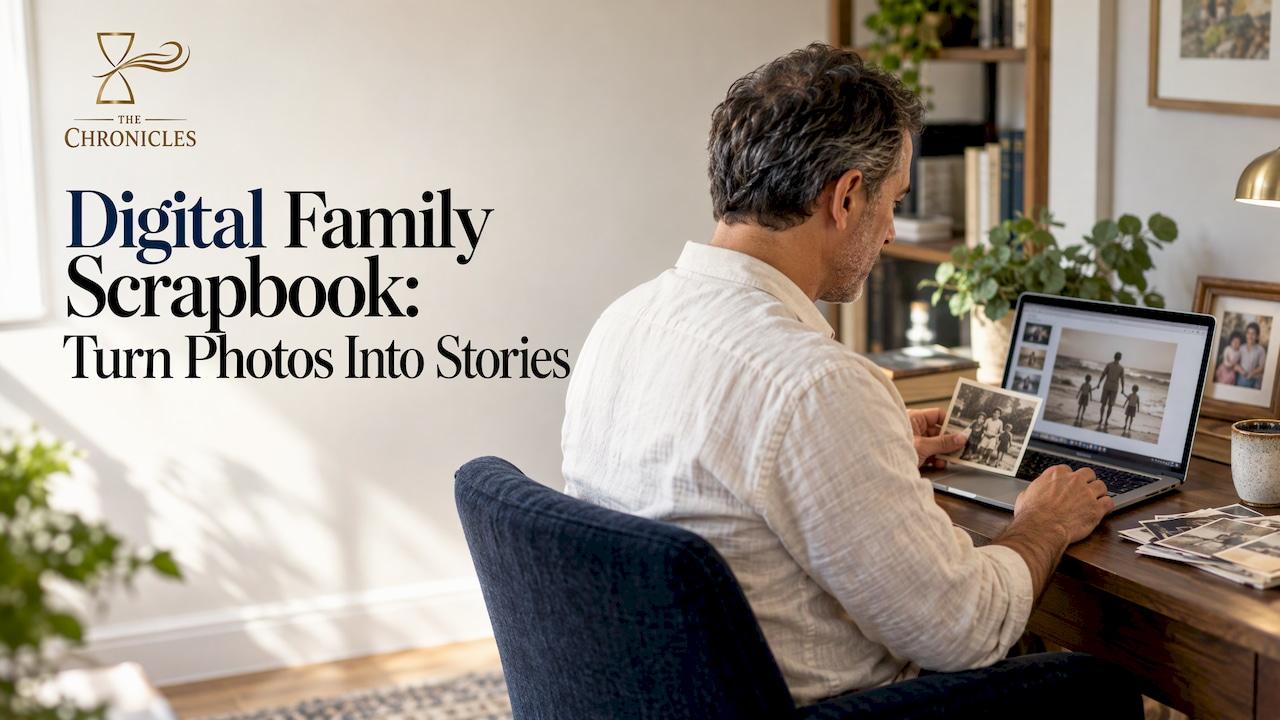
Digital Family Scrapbook: Turn Photos Into Stories
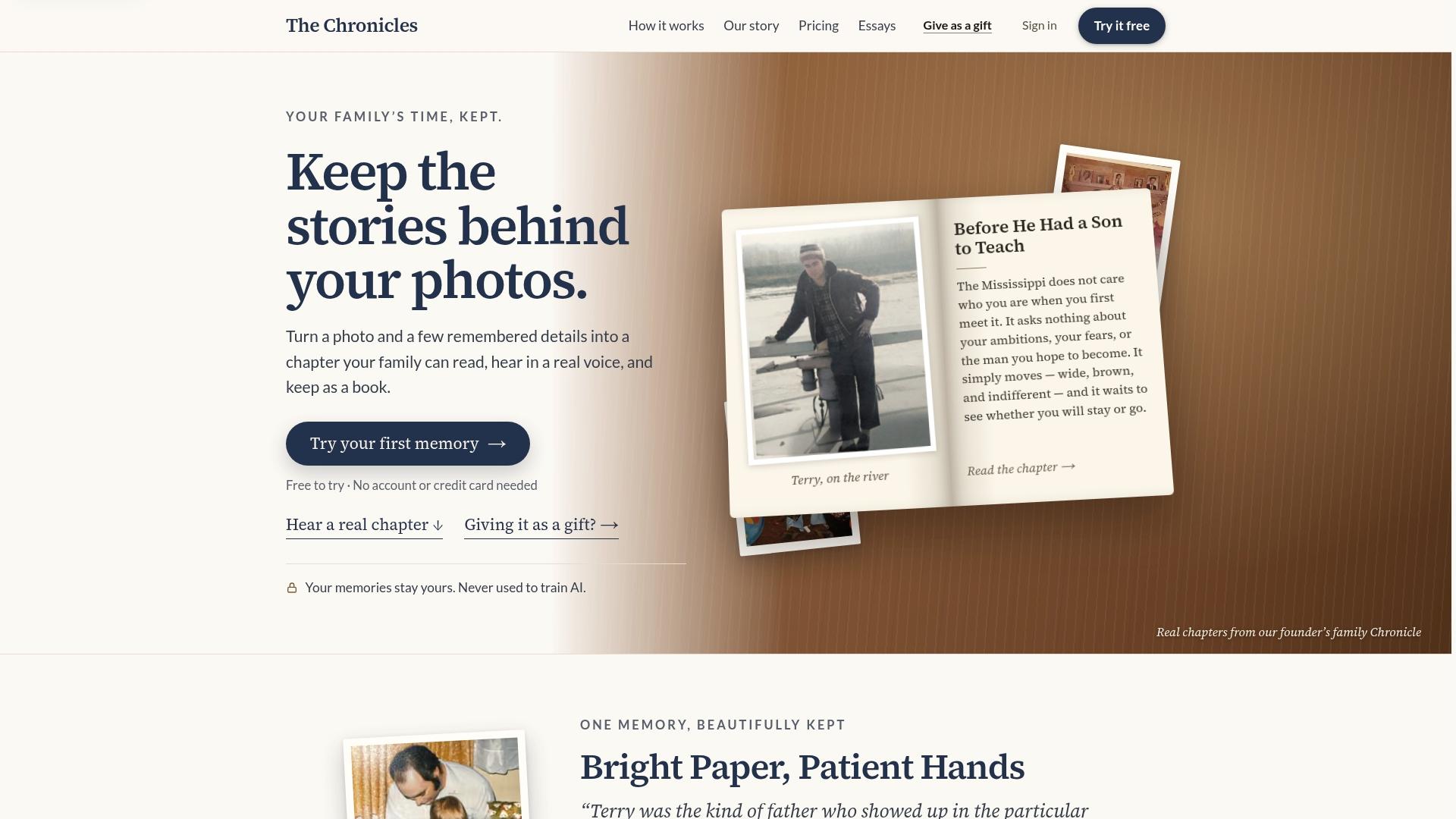
A digital family scrapbook is a shared, online home for your family's photos, stories and voices. The best ones do more than arrange pictures on a page: they keep the words that explain who is in the photo and why the day mattered. That is what we built The Chronicles to do. You add a photo and a few memories, and we turn them into a written chapter your whole family can read, hear and eventually hold in a printed book.
If you have a shoebox of prints, a phone full of unnamed pictures, or a parent whose stories you have not yet written down, this guide walks you through the whole process.
TL;DR
- A digital family scrapbook works best when every photo carries its story: who, where, when and what happened.
- Sort and label your photos first. A little organizing now saves years of confusion later.
- Invite relatives to add memories, and keep the scrapbook private to the people you choose.
- Keep at least two copies of your files in different places, and check them once a year.
- Print the best chapters as a book, so the story does not depend on any one app or screen.
Table of Contents
- What a digital family scrapbook really is
- Who a digital scrapbook is for
- Step 1: Gather and sort your photos
- Step 2: Add the story to each photo
- Step 3: Let the family add their own chapters
- Step 4: Keep it private and share it with care
- A word about copyright
- Step 5: Add voices, not just words
- Step 6: Back it up so it lasts
- Step 7: Turn it into a book you can hold
- Special situations
- Our take on a scrapbook worth keeping
- Start your family's first chapter
- FAQ
- Sources
What a digital family scrapbook really is
Traditional scrapbooking means paper, glue, stickers and a lot of evenings at the kitchen table. A digital family scrapbook keeps the spirit of that and drops the clutter. Photos, scanned letters, short written memories and even recordings live together in one online space, and any relative with an invitation can look at them.
FamilySearch, the nonprofit family history organization, describes a family memory scrapbook as a collection of photos, videos, artifacts and documents paired with narratives, and notes that newer software can add audio too. Those narratives are the part that matters. A photo of a woman on a porch is a nice picture. A photo of your great-aunt Ruth on her porch, with the story of the summer she taught you to snap beans, is a piece of your family's history.
There are two broad kinds of digital scrapbook:
- Design-first tools give you templates, stickers and page layouts. They are fun if you love the craft of arranging pages.
- Story-first tools put the memory at the center and let the layout follow. They suit families who care most about keeping what people said and felt.
The Chronicles is story-first. If you want a family keepsake that reads like a book rather than a poster, that is the difference you will feel.
Who a digital scrapbook is for
Most families come to this for one of a few reasons:
- New parents who want a baby book that does not sit half-finished in a drawer.
- Grandparents who want their stories kept in their own words.
- Adult children whose parents are in a nursing home or memory unit, and who want to capture what is still shared, now.
- Families grieving a loved one, who want a memorial book gathered from many people's memories.
- Busy people who simply want their photos to mean something before another year of them piles up.
Each of these is a reason to start small. You do not need a finished book. You need one photo and one memory.
Step 1: Gather and sort your photos
Before you open any app, spend an hour finding what you have. The Library of Congress, in its guidance on personal digital archiving, suggests a simple order: identify where your photos exist, decide which matter most, organize them descriptively, and make copies.
In practice that looks like this:
- Find them. Check phones, old laptops, cloud accounts, memory cards, albums and boxes. Write down each place.
- Choose the keepers. You will not scrapbook 14,000 pictures. Pick the ones that tell a story: a first day of school, a wedding, a kitchen full of cousins.
- Name them. The Library of Congress recommends meaningful filenames, a simple folder structure and basic details about the people and subjects in each image. A file called "Grandpa_Joe_fishing_1974" will still make sense in thirty years. "IMG_4821" will not.
- Scan the paper. Prints, letters and handwritten recipes can be photographed or scanned. A recipe card in your mother's handwriting is its own kind of portrait.
The national digital preservation program also warns that unlabeled files can lose their value, because future relatives cannot tell who or what they show. Labeling is not busywork. It is the first act of storytelling.
Step 2: Add the story to each photo
This is the step most scrapbooks skip, and the one that turns a photo album into a family history. For each image you keep, answer a few plain questions:
- Who is in it, and how are they related to you?
- Where and roughly when was it taken?
- What was happening just outside the frame?
- What do you wish you could ask the people in it?
A few sentences are enough. In The Chronicles, you add a photo and a short memory, and our AI helps turn those notes into a written chapter. If you would like to see how that works with a single picture, our photo to story app page shows the one-photo, one-chapter idea. If you are building toward something bigger, writing a life story from photos goes deeper.
Do not worry about polished prose. You are not writing a novel. You are writing down what you remember, while you still remember it.
When the storyteller is not a writer
Many of the best stories belong to people who will never type a paragraph: a grandfather who does not use a computer, a mother in a memory unit who lights up at an old photograph. For them, The Chronicles offers guided email interviews. A relative receives thoughtful questions by email and answers in their own words, with no login or account needed. Their answers become part of the family's chronicle.
If you want to try a more personal approach first, our guide to conducting an oral history interview with your family gives you questions and a gentle way to ask them. For grandparents in particular, see capturing grandparent stories before they are gone.
Step 3: Let the family add their own chapters
A scrapbook kept by one person is a diary. A scrapbook kept by a family is a record. Your sister remembers the road trip differently than you do, and your cousin has the photo you never saw. Their memories belong on the same page.
The Family plan in The Chronicles is built for this kind of ongoing, shared writing, where several relatives add to the same story over time. Relatives who do not want another account can contribute through guided emails. If you are putting together a family legacy that keeps growing, our family legacy book page explains how that works.
Step 4: Keep it private and share it with care
Family photos are personal, and many of them show children. The Family Online Safety Institute, a nonprofit, advises families to talk through sharing rules, consider children's privacy and consent, and avoid tagging other children or parents without permission, because public posts can reveal identifying details.
A few habits make a real difference:
- Invite specific people rather than posting a public link.
- Ask before sharing a photo of someone else's child or a relative who would not want it seen.
- Decide who can add and who can only read. Not every cousin needs to edit.
- Choose a service with clear privacy terms. Our pledge is that your family's stories are never used to train AI. They stay within your family, you own your stories, and you can export them whenever you like. There are no ads and no lock-in.
That last point matters more than it first appears. A scrapbook holds the most private things a family has: names, faces, illness, loss. It should live somewhere that treats it that way.
A word about copyright
For your own photos and your own writing, you hold the rights. The U.S. Copyright Office explains that original works such as photographs, writing and recordings are protected from the moment they are fixed in a tangible form, and the creator is generally the owner.
That has two practical meanings for a family scrapbook. When you use pictures that you or your relatives took, you are on safe ground; it is polite to credit the photographer in the caption, especially for a studio portrait or a photo your uncle took in 1968. When you want to use professional artwork, music or a photographer's work, remember that someone else may own it. For a private family keepsake, the best content is your own family's.
Step 5: Add voices, not just words
Words on a page are wonderful. A grandmother's actual voice reading her story is something else entirely. The Chronicles offers narration in real voices, so a chapter can be heard as well as read. We also support consented voice cloning, which means a voice is only recreated with the person's permission.
For children, a baby's first words or a grandfather's laugh can become part of the book. For families facing loss, a recorded voice can be the thing they treasure most. Our voice memory book page describes how chapters are heard aloud.
Step 6: Back it up so it lasts
A digital scrapbook is only as safe as its copies. The Library of Congress's personal archiving guidance is clear and simple: keep at least two copies of your important files on separate media in different locations, check them yearly, and make new media copies every five years or when needed.
It also recommends converting obsolete or proprietary formats into durable, widely used ones and keeping your labels and organization together with the files. And the Library's digital preservation team stresses holding independent copies rather than treating a photo-sharing website as your archive.
A simple routine for a family:
- Keep your original photo files on your computer or an external drive.
- Keep a second copy somewhere else, such as a drive at a relative's house.
- Export your stories from the scrapbook once a year. With The Chronicles, you own your stories and can export them easily.
- Print the chapters that matter most.
That last step is the one that outlasts every device.
Step 7: Turn it into a book you can hold
A screen is convenient. A book gets passed down. When you are ready, The Chronicles lets you turn your chapters into a printed book. The Paperback starts at $49 and the Hardback at $99, each a one-time payment for the physical book.
For print, the Library of Congress advises that long-lasting prints use pigment-based ink on paper suited to the ink and printer, and that you keep your digital masters backed up separately. Your digital chronicle stays safe as the master, while the book travels to the people you love.
A book also makes a gift. Families give them to grandparents, to new parents and for anniversaries; our anniversary memory book page shows how years of shared moments can become one. If your family likes small, playful extras to sit beside the book, Pokémon-style family keepsake cards made from your photos can add a lighthearted touch for the kids.
Special situations
A baby book that actually gets finished
New parents rarely have an hour for a baby book. Add one photo a week with two lines about what made you laugh. By the first birthday you have fifty chapters, and a book worth printing.
Parents in a nursing home or memory unit
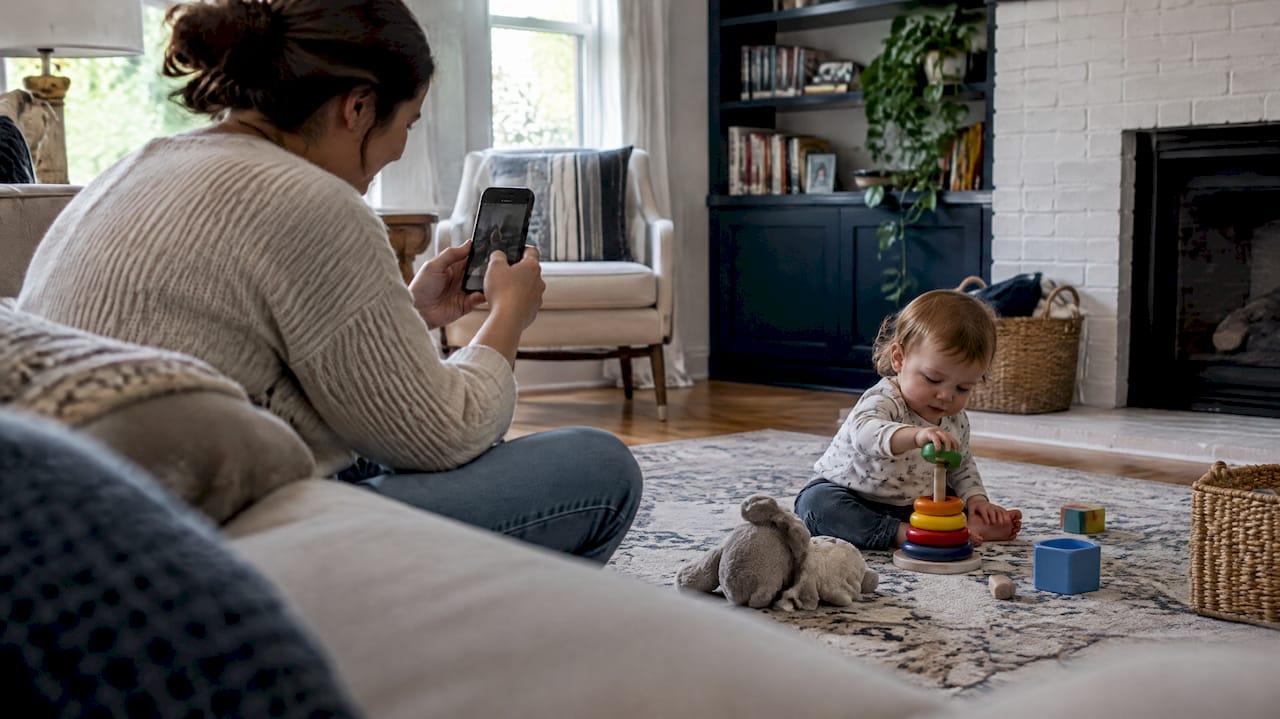
When memory begins to fade, the stories matter even more. Sit together with a photo, ask a gentle question, and write down the answer. Relatives who live far away can add their own recollections through email. Do not wait for a perfect moment: a short chapter today is worth more than a long one that never happens. Our guide to preserving family stories before they are gone can help you begin.
A memorial book after a loss
Grief is easier to carry when it is shared. Invite the family to add one memory each, a photo and a few lines, and a picture of the whole person begins to appear. Our memorial memory book page describes building one Chronicle from many voices. There is no deadline. Add chapters when you are ready.
Our take on a scrapbook worth keeping
Most families do not fail to keep their memories because they do not care. They fail because the tools ask too much: sorting, designing, learning something new, finding the time. We think the story is the point, and everything else should get out of its way.
That is why we built The Chronicles around chapters, not page layouts. A photo, a few remembered sentences, and a voice, and you have something that reads like a book. Someone who cannot use an app can still be part of it by answering a few questions by email. And because these are your family's most private things, they are never used to train AI, and they stay yours.
Begin with one photograph this week. The rest follows.
Kevin
Start your family's first chapter
The Chronicles has a Free plan at $0, so you can begin with a photo and a memory and see how it feels. The Chronicle plan is $7 per month and the Family plan is $15 per month, for families who want unlimited chapters, AI help, narration and print book ordering with relatives adding stories together. You can see the details on our plans page, or start at The Chronicles.
If you are weighing options, we have honest side-by-side pages for Storyworth, Remento and Memorygram.
FAQ
What is the difference between a digital scrapbook and a photo album?
A photo album shows pictures, often in the order you took them. A digital family scrapbook pairs each picture with the story behind it, and can include scanned letters, recordings and writing from several relatives. It is closer to a family history than a gallery.
Can my relatives add to the scrapbook without making an account?
In The Chronicles, yes. Relatives can contribute through guided emails without logging in, which helps grandparents and anyone who finds new apps frustrating. Their answers are added to your family's chronicle.
How do I keep my family scrapbook private?
Invite only the relatives you choose, ask before sharing photos of other people's children, and pick a service with clear privacy terms. In The Chronicles, your stories are never used to train AI, you own them, and you can export them at any time.
How do I make sure my digital scrapbook lasts?
Keep at least two copies in different places and check them once a year, as the Library of Congress recommends. Export your stories regularly and print the chapters you cherish most as a paperback or hardback book.
Sources
- Does Your Family Keep a Memory Scrapbook? (FamilySearch)
- Perspectives on Personal Digital Archiving (Library of Congress)
- Preserve Your Papers (Library of Congress)
- Picture-Perfect Privacy: A Guide to Responsible Sharing of Your Kids' Photos (Family Online Safety Institute)
- What is Copyright? (U.S. Copyright Office)
- Preserving (Library of Congress personal archiving)
- Scanning: DIY or Outsource (The Signal, Library of Congress)
- Family Pokémon Keepsake Ideas (PokeCardStudio)
Recommended
From the founder
Start your first chapter — three minutes, no account.
Drop in a photograph of someone you love. Write three sentences about a moment with them. The Chronicles writes the chapter.
Try it free →Questions or thoughts? kevin@thechronicles.life — I read everything.